Kawaii World2.9.30
Publisher Description

KawaiiWorld - a game that will change the idea of cubic sandboxes with craft. You can choose the packs you want to activate, read a description and install them without the need for other programs.
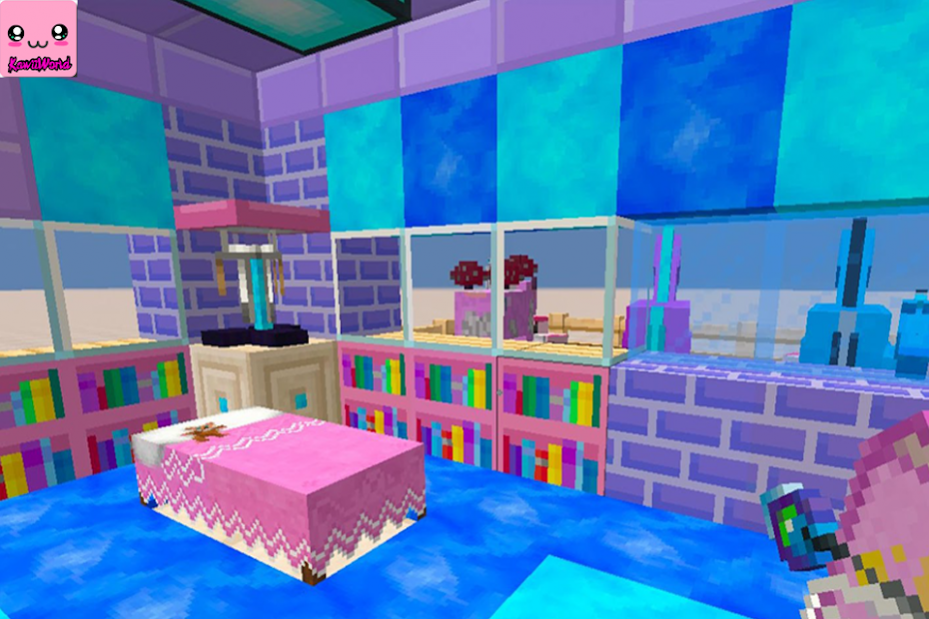
KawaiiWorld Craft start the game and start creating your world from various beautiful cubes and prepared items: flowers, paintings, kitchen, bedroom, table with computer and much more.
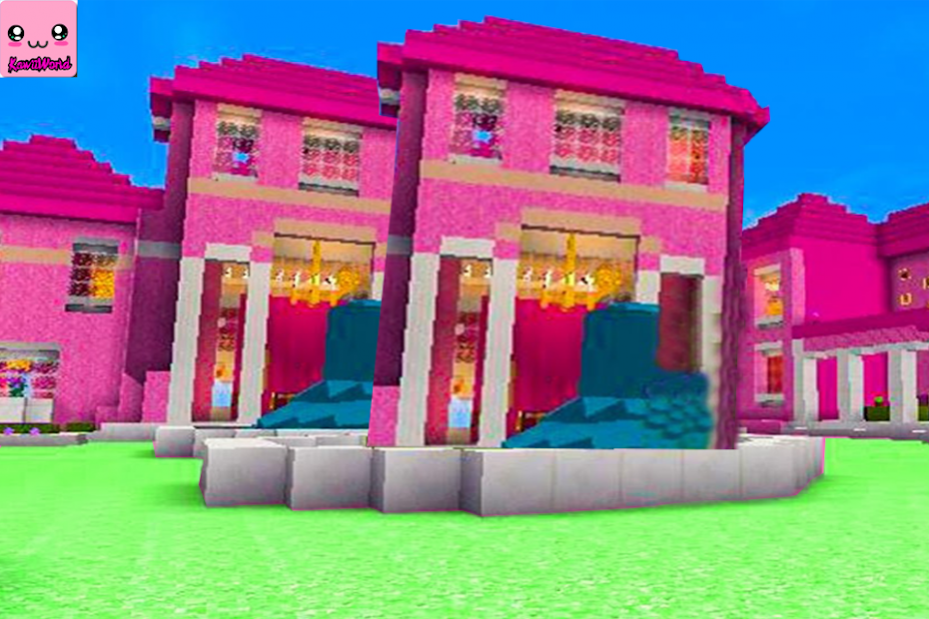
Kawaii World 2 for minicraft is an amazing mansion with a beautiful surrounding landscape, spacious rooms and a stylish interior.
KawaiiWorld house was created all in pink, so girls and even boys who love pink color will surely love the pink mansion for mcpe and will stay here for a long time.
Features Kawaii World:
- Images and description of each texture
- Cool graphics: enjoy the best pixel graphics with high fps
- A lot of Kawaii Texture Packs for Minicraft
- Perfect game for the family: boys and girls
- Easy to download and install
Download and install KawaiiWorld Game and plays.
About Kawaii World
The company that develops Kawaii World is aksenno02. The latest version released by its developer is 2.9.30. This app was rated by 1 users of our site and has an average rating of 5.0.
To install Kawaii World on your Android device, just click the green Continue To App button above to start the installation process. The app is listed on our website since 2020-10-01 and was downloaded 348 times. We have already checked if the download link is safe, however for your own protection we recommend that you scan the downloaded app with your antivirus. Your antivirus may detect the Kawaii World as malware as malware if the download link to com.kawiiblock.worldpro22 is broken.
How to install Kawaii World on your Android device:
- Click on the Continue To App button on our website. This will redirect you to Google Play.
- Once the Kawaii World is shown in the Google Play listing of your Android device, you can start its download and installation. Tap on the Install button located below the search bar and to the right of the app icon.
- A pop-up window with the permissions required by Kawaii World will be shown. Click on Accept to continue the process.
- Kawaii World will be downloaded onto your device, displaying a progress. Once the download completes, the installation will start and you'll get a notification after the installation is finished.
Program Details
System requirements
Download information
Pricing
Version History
version 2.9.30
posted on 2020-10-01
+ Kawaii World 2020
+ Update new version
+ Fix Bugs
